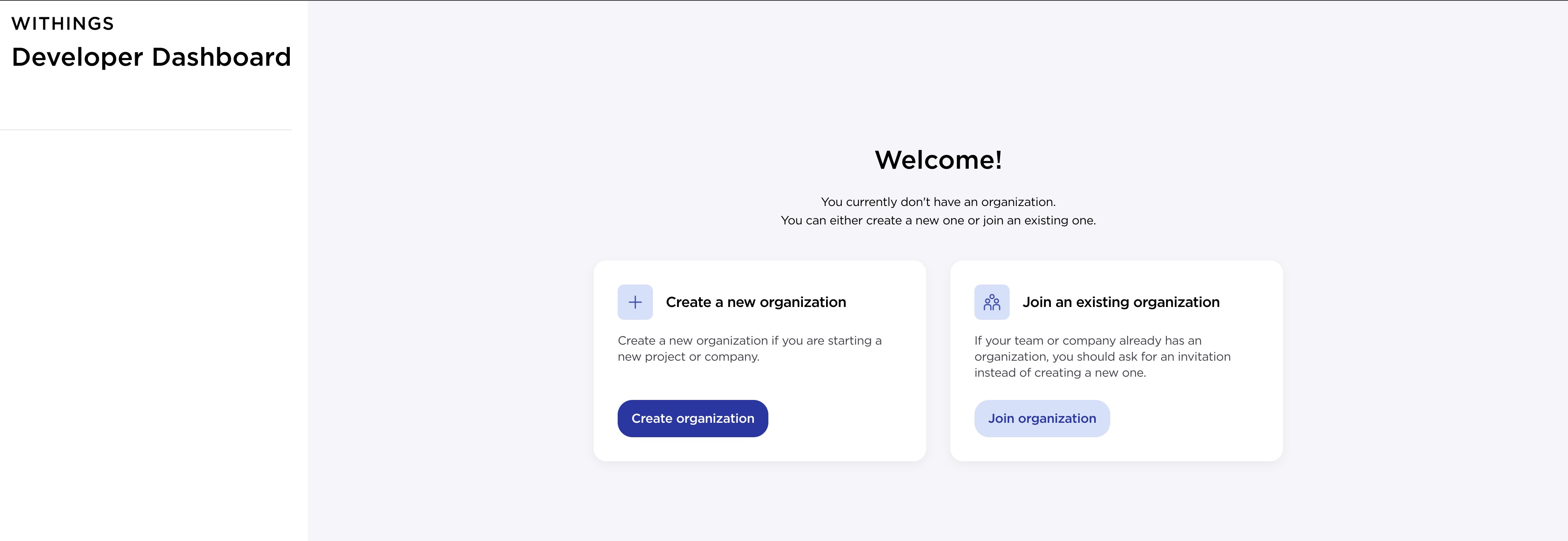
Enter a value for the Organization Name and Contact Email fields
Select Create application once the organization is created
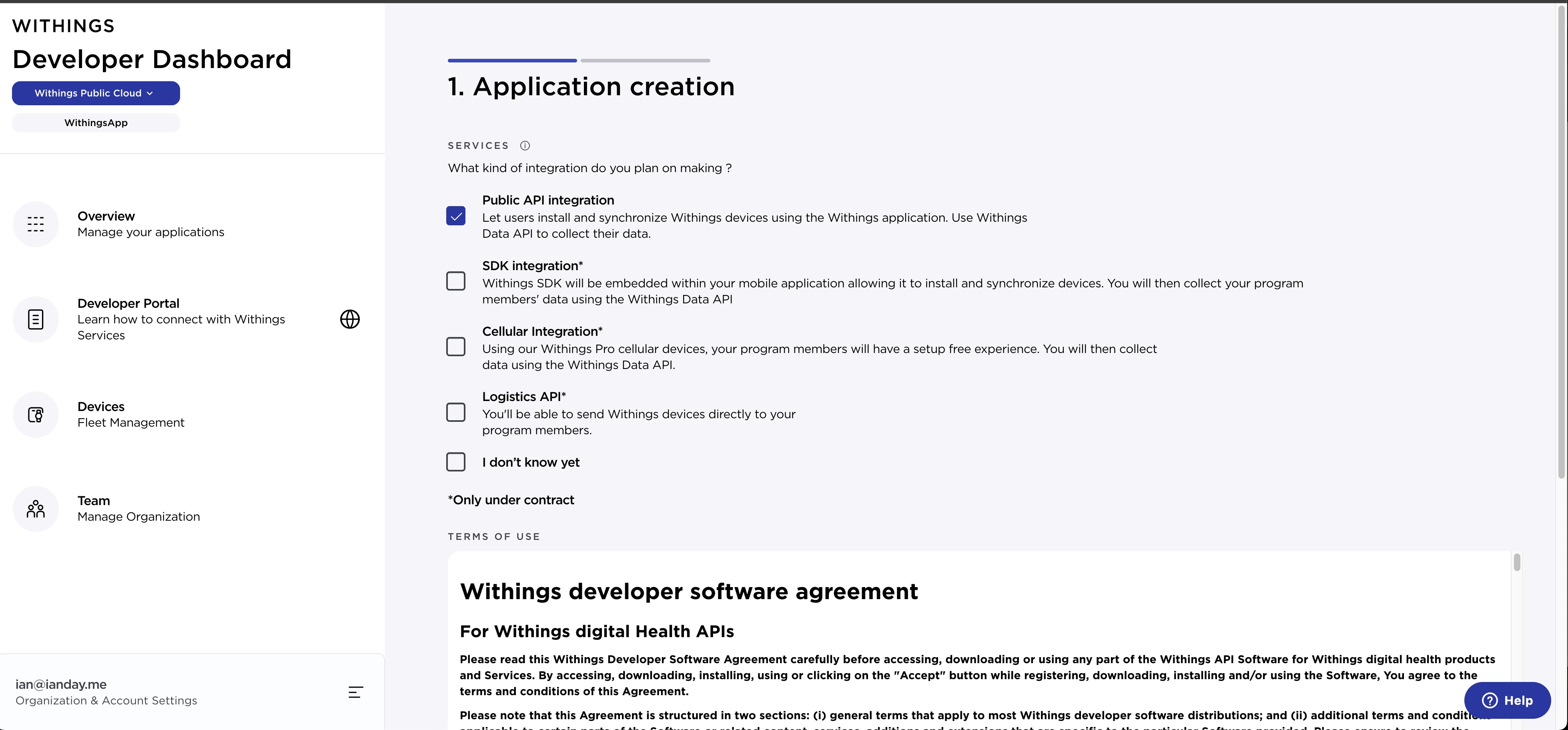
Select Public API integration from the available services, accept the terms of use, and select Next
Select Development for the Target Environment field. Enter any value for the Application Name and Application Description fields. Enter http://localhost for the Registered URLs field, and select next.
Save the ClientID and Secret values, then select Confirm