Authorize
-
Create a configuration file using the command line tool
withings-cli configure. You will be prompted for your client ID and secret, along with the option to override the base URL and path to save the created configuration file.(withings) ianday@Ians-MBP withings % withings-cli configure --help Usage: withings-cli configure [OPTIONS] Populate and save WithingsConfig to a configuration file ╭─ Options ───────────────────────────────────────────────────────────────────────────────────────────────────────────────────────────────────────────────────────────────────────────────────────╮ │ --base-url TEXT Withings API base URL [default: https://wbsapi.withings.net] │ │ * --client-id TEXT Withings client ID [default: None] [required] │ │ * --client-secret TEXT Withings client secret [default: None] [required] │ │ --config-path PATH Path to the config file [default: withings_config.json] │ │ --help Show this message and exit. │ ╰─────────────────────────────────────────────────────────────────────────────────────────────────────────────────────────────────────────────────────────────────────────────────────────────────╯ -
Authorize the app to access your data using the command line tool
withings-cli authorize. The command will launch the default web browser to the required URL.(withings) ianday@Ians-MBP withings % withings-cli authorize --help Usage: withings-cli authorize [OPTIONS] Authorize the app with Withings API ╭─ Options ───────────────────────────────────────────────────────────────────────────────────────────────────────────────────────────────────────────────────────────────────────────────────────╮ │ --config-path PATH Path to the config file [default: withings_config.json] │ │ --help Show this message and exit. │ ╰─────────────────────────────────────────────────────────────────────────────────────────────────────────────────────────────────────────────────────────────────────────────────────────────────╯
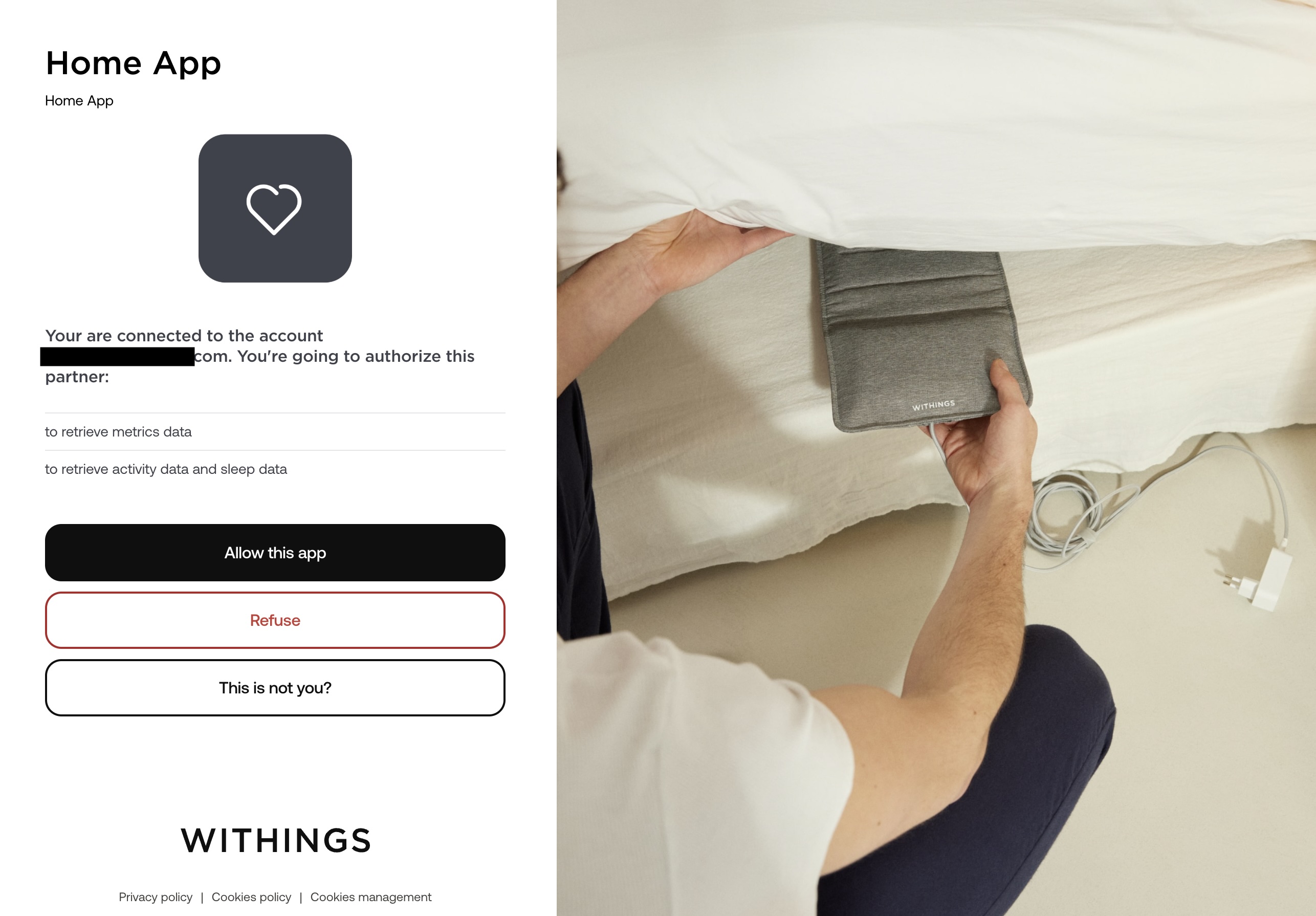 3. You will be presented with a 404 error after clicking
 Allow this app, copy the full URL and paste it in the prompt as shown below. You can now access your data via API

